

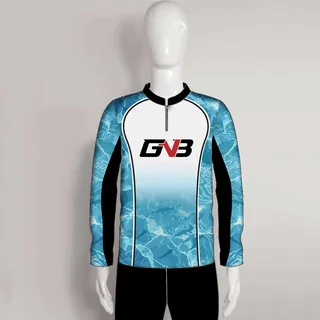
From mannequin to model
Show how your clothing looks on a person.
Turn a catalog photo into model shots, styled scenes and short videos for your store and ads.
25 credits/month with a free account. Free images are watermarked.
Try one photo as a guest, or sign up for 25 credits/month.
Use your products. Save results
back to your store.

Your original photo
Start with a mannequin shot, a catalog image or a simple product photo. Create the content your product deserves.
Swipe to explore the results
Show how your clothing looks on a person.

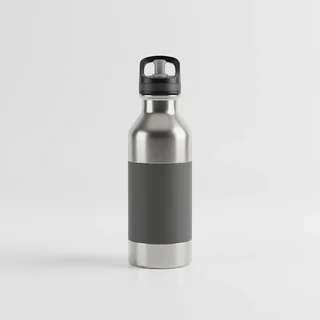
Turn a plain photo into a styled product scene.


Show your accessories being worn and used.
1 photo = 1 credit · 6-second video = 10 · 10-second video = 20.
Annual total paid upfront. Credits renew monthly.
50 credits: 40 photos + one 6-second video. 150 credits: 50 photos + ten 6-second videos.
Save to Shopify: 0 extra credits. Paid: no watermark & commercial use.
USD · Free: 25 credits/month, watermarked images. Calculator only — no charges.Free: 25 credits every month, without accumulating a larger Free allowance. Images have a watermark. All paid plans include no watermark and commercial usage. Standard includes priority generation; Pro includes highest priority.
Yearly: pay upfront — Starter $182, Basic $470, Standard $950, Pro $1,910 per year. Monthly credit allowances stay the same: 50 / 150 / 400 / 1,200. Save about 20% compared with 12 monthly payments.
Credits: 1 per photo, 10 per 6-second video, 20 per 10-second video. Use them in any mix. The calculator recommends the smallest monthly allowance covering this catalog's content, not your account's existing balance. Effective prices are not separate per-file charges or top-up prices.
Cancellation: stop renewal from your app's billing area. Paid access continues until the paid period ends. Web billing and Shopify billing are managed separately. Shopify monthly plans bill every 30 days.
150 credits included · 10 credits left
Monthly arrivals: 42 credits. Starter covers this recurring volume.
Now + 12 months: 46 products · 184 photos · 46 videos.
Choose your studio. Browser extensions help you import product photos into the web app.
Create in your browser
Create your first photo
Create inside your store
Create inside your store
For Wix stores · Private preview
Ask about Wix access
Import product photos
Install extension
Import product photos
Install extension
For iPhone
Coming soonBrowser extensions are for desktop. On your phone, start with the web app.
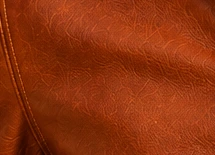
Your logo, leather grain, precise stitching and distinctive hardware. Keep the details your customers look for — even in a completely new scene.





Select several products, choose a specific background, and generate them together. Give your collection a consistent look without setting up every item from scratch.



Different products. The same visual direction.
One image, different ways to tell the story. Bring the product closer, change the framing and prepare photos and videos for wherever you publish.



One photo. Three different crops.
Reframe the scene or zoom in on the product.
Preview your changes, reset if needed, and save an edited copy alongside the original.
Let Auto choose a scene, or select your own location or placement. Go graphic with a solid color or gradient — or keep the background transparent.

Auto-picked or chosen by you.

Pick a color or enter a HEX.
Blend colors for your brand.
Clean cutouts, ready to use.
Choose a specific background to keep a consistent direction across your collection.
Different people. Different kitchens. The same product.




Choose one model and one location, then reuse them across your collection. Give every piece the same visual direction.




Four outfits. The same model, location and visual direction.
Show your collection on different ages, body shapes and looks. Choose a model from the library or create your own for your brand.




One dress. Four different models. You choose the look.
From product-only studio shots to bold campaigns with models. Explore different settings, lighting and ways to show your collection.
Resort, yacht, city nights and expressive studio sets.











Product-only shots, luxury interiors and creative campaigns.



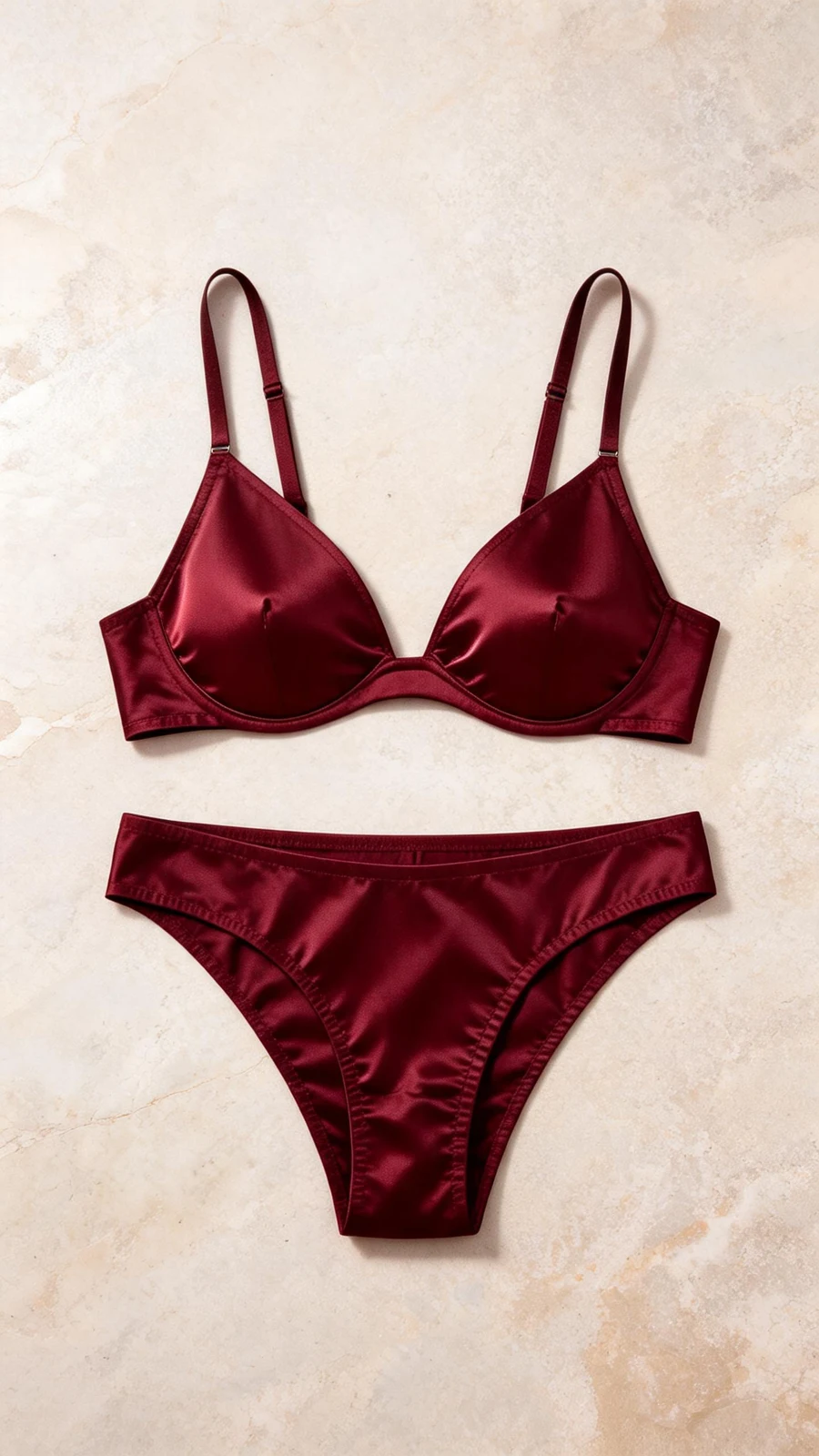




Show toys, accessories and furniture with the animals they’re made for — without arranging a pet photoshoot.

 Original

 Original

 Original

 Original
AI results can vary. Check logos, materials and product details before publishing.
Explore more product examples in the galleryThe essentials before your first creation.
No. Use the web app with your own product photos — no Shopify store required. If you sell on Shopify, install the app to select products from your catalog and save finished content back to them.
A clear catalog photo, flat lay, mannequin shot or supplier image is a good starting point. Your product photo guides its colors, construction, logos and materials. Show the important details clearly, and check the result before publishing.
You get 25 credits every month. The unused Free allowance does not accumulate from month to month. Free images have a watermark; paid plans let you download without it.
One photo costs 1 credit. A 6-second video costs 10 credits; a 10-second video costs 20. Mix photos and videos however you like. You see the total before generating. Editing and saving files to Shopify do not use extra generation credits.
Yes. Crop, zoom, reposition and rotate; choose vertical 9:16, square 1:1 or landscape 16:9. For videos, you can also trim, change playback speed and adjust volume. Save an edited copy alongside the original, then download it or save it to Shopify.
No. Generating or editing content does not change your Shopify product pages. You choose which finished photos and videos to save, individually or as a selected batch. Saving to a product costs no extra credits.
All paid plans include commercial usage. Use your content on product pages, in ads and on social media. Make sure you have the rights to the product photos, branding and other reference material you upload.
Cancel renewal from the billing area of the app you subscribed through. Your paid access continues until the end of the paid period. Web subscriptions and Shopify subscriptions are managed separately.
See what your own products can become.
No Shopify store required.
Create inside your Shopify admin.
Photos, videos — spend your credits your way.
Free images include a watermark.
Your first creation.
Three simple steps.
Click a step to explore
Browse. Find. Create.
Add photos with our browser extension.
Already in your store.
Save selected files to Shopify for no extra credits.
Upload one product photo or a batch.
Start with a simple product photo.